
Training and Resources
Explore Office of Digital Learning trainings and resources—including upcoming sessions, and past offerings. You can view schedules, access session details and registration links, and review previous sessions to locate relevant topics and resources.
Quick Canvas Tutorial
Which branch should you follow?
If you can get a course copy from colleagues who have taught the course before, you can follow the left branch. However, you may still need to use parts of the right branch to adjust or add new items.
If you don’t have a course copy, you’ll need to build the course from scratch. However, you don’t need to include every part, as your course may not require all components.
Use the Knowledge Base (KB) articles and video links for step-by-step instructions!
Set Up Your Profile and Notifications
I already have the content
Please also check the following items to make sure the imported content works as expected:
- Validate links in a course
- Bulk update due dates and availability dates
- Check the due dates and availability dates for quizzes, discussions, announcements, and pages.
Publish Content and Ensure Availability
Spring 2026 Training Sessions
Training Recordings
Training videos will be posted in the Panopto folder after the training session is completed.
Creating Accessible Documents: Microsoft Word & Google Docs
Learn the fundamentals of creating inclusive content in the two most common word processing tools. This session covers the "Source First" method: using Headings and Styles correctly so your files are accessible from the start. We will walk through real-world examples in both Microsoft Word and Google Docs, ensuring your documents are compliant and easy to navigate for all users.
Making PDFs Accessible: Adobe Acrobat Pro
PDFs are often the hardest files to make accessible, but they don't have to be a mystery. This session focuses on remediation. You will learn how to turn scanned images into searchable text (OCR), check accessibility scores, and use the "Make Accessible" wizard to ensure your public-facing PDFs are accessible.

Designing Inclusive Presentations: Slides & Color Contrast
Visual presentations require special attention to ensure everyone can perceive the content. This session covers Microsoft PowerPoint and Google Slides, focusing on the hidden "Reading Order" that screen readers rely on. We will also dive into color contrast requirements to ensure your text is legible and your charts are clear, helping you deliver presentations that are professional, compliant, and impactful for every audience member.

ZOOM Fundamentals
Learn how to use ZOOM to meet with your students remotely. This session will go over creating meetings, adjusting meeting settings, and using the ZOOM Canvas integration.
Gemini Core Strength Training
Join us for an interactive training session on Google Gemini, specifically designed for NJIT instructors! We'll kick things off by diving into the proper use of core functionalities, then unlock the secrets to crafting powerful prompts. Finally, fully unlock your strength with hands-on examples and practical exercises.
Google Drive
This session covers basic file storage, using a Shared Drive, advanced search techniques to locate documents instantly, and best practices for managing permissions securely. You will leave with the hands-on skills necessary to use Google Drive as a dynamic workspace for real-time co-authoring and efficient workflow management.

OneDrive
This session covers the essential "how-tos": saving files to OneDrive, accessing your documents from any computer or mobile device, and understanding the difference between local and cloud storage.
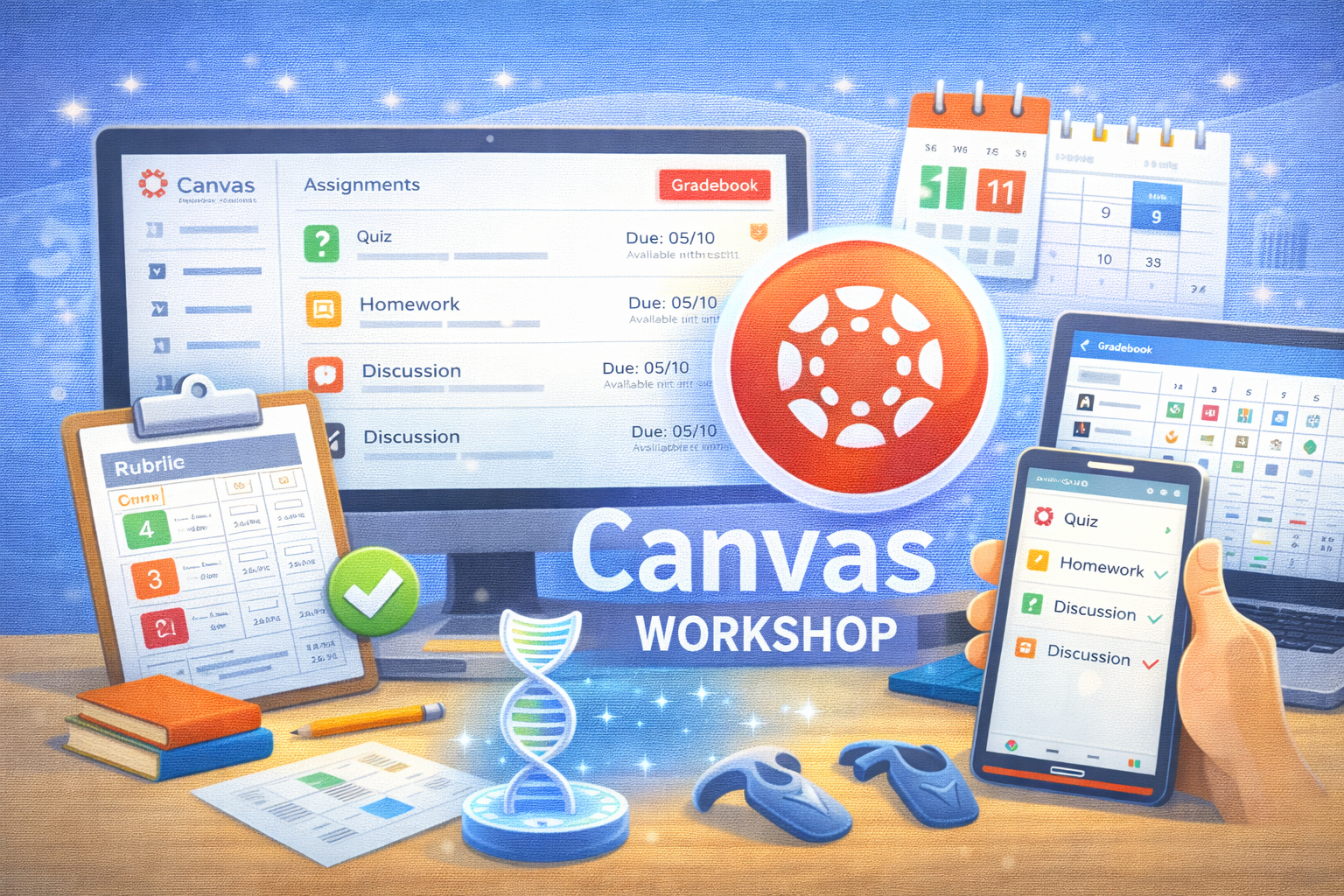
Canvas Assignments and Graded Activities
This session provides an overview of assignment types and graded activities in Canvas. Participants will learn how different activity types interact with the Gradebook, how to configure settings such as due dates, availability, and grading options, and how to choose the appropriate tool based on instructional goals.
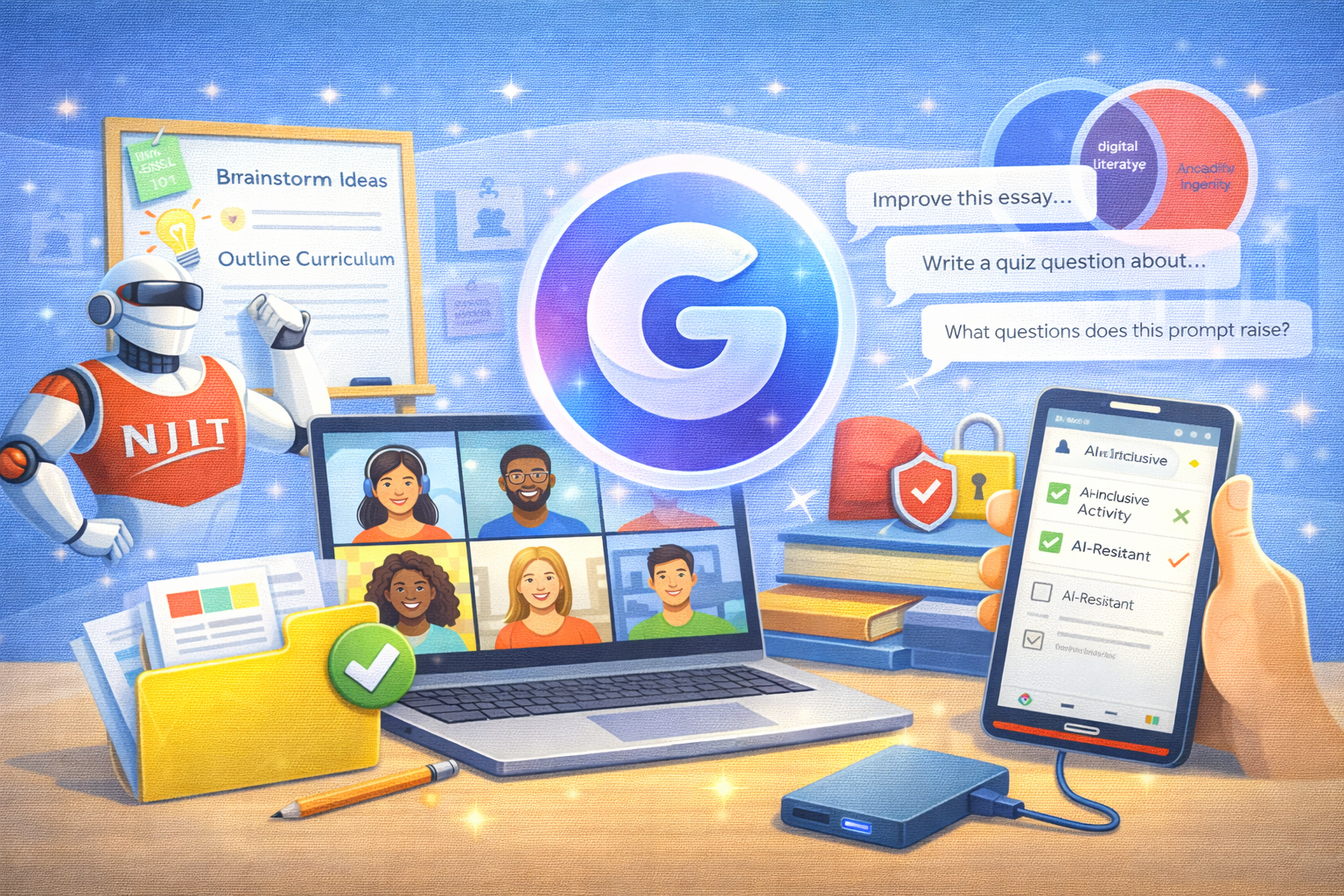
Developing Coursework Using Gemini
Instructors: Let's explore the practical integration of AI into the modern curriculum, focusing on how to examine its role in student assignments and leverage it as a powerful brainstorming tool for course design. Let's survey the shift toward AI-inclusive activities that promote digital literacy alongside AI-resistant techniques that protect academic integrity and core learning objectives. This session aims at you having a strategic framework for balancing innovation and authenticity in your coursework development.
eXpeRience Workshop
Session 1: Feb. 20, 2026, 11:30 AM to 12:20 PM
Session 2: Mar. 4, 2026, 3:30 PM to 4:20 PM
Location: GITC 1402 (XR Lab)
Discover and experience Extended Reality (XR) concepts, technologies, and applications through the eXpeRience Workshop. Designed specifically for faculty and staff at NJIT, this workshop entices the imagination and invites innovation while gaining essential knowledge of the science-backed learning and engagement potential of XR.
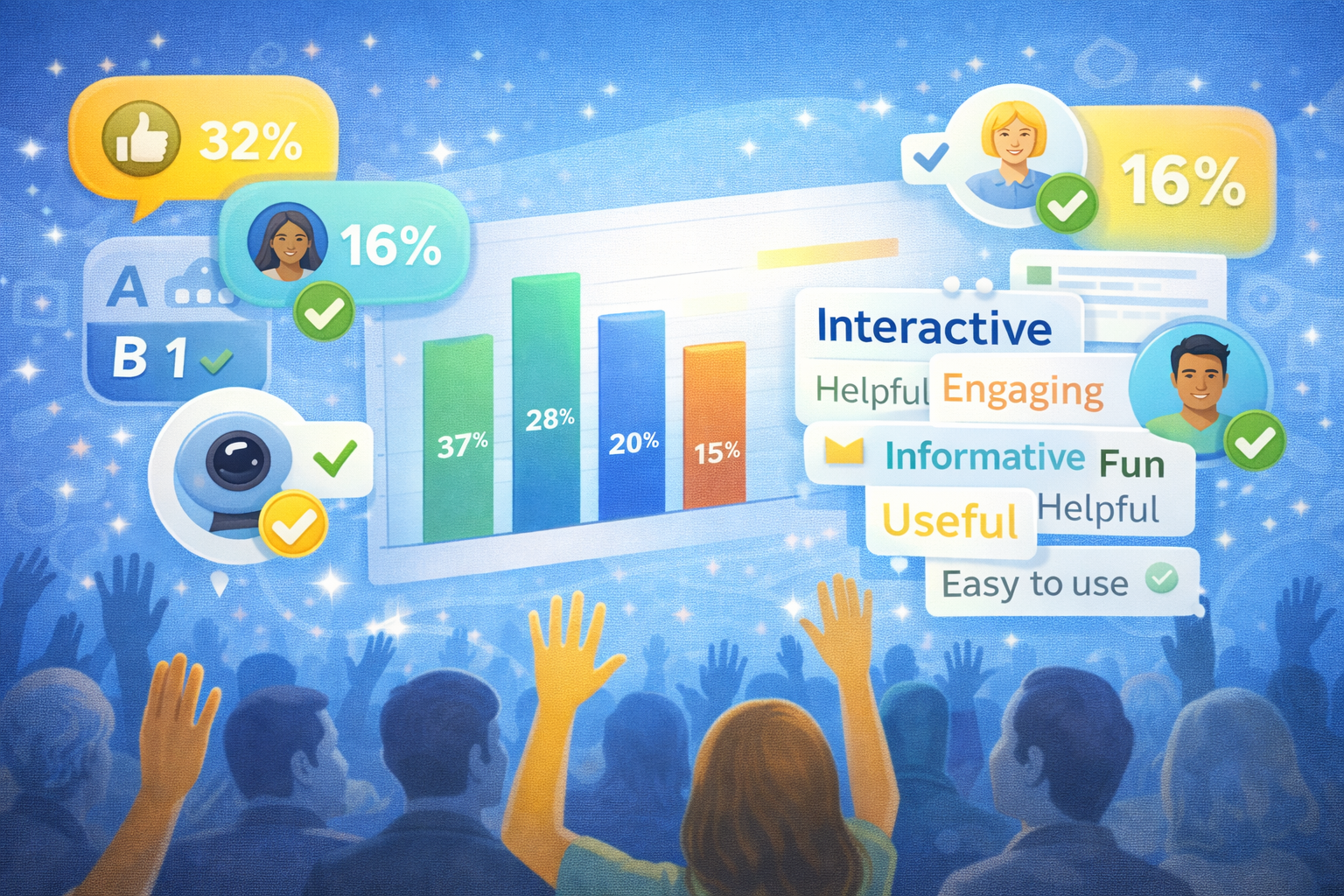
Getting Started with Poll Everywhere
Date: February 23, 2026
Time: 12:00 PM to 13:00 PM
Location: Zoom
This quick and impactful session on using Poll Everywhere aim to show users how to increase student engagement during class, with a demo on creating polls, Q&A sessions, and surveys.

Proctoring Solution: ProctorU
This session introduces ProctorU and its integration with Canvas quizzes. Participants will learn how ProctorU works, how to enable and configure it for assessments, and what students experience when using the tool. The training also covers common setup issues, student troubleshooting considerations, and best practices for using ProctorU appropriately in different assessment contexts.
Proctoring Solution: Respondus Lockdown Browser
This session introduces Respondus LockDown Browser and its integration with Canvas quizzes. Participants will learn how LockDown Browser works, how to enable and configure it for assessments, and what students experience when using the tool. The training also covers common setup issues, student troubleshooting considerations, and best practices for using LockDown Browser appropriately in different assessment contexts.
Accessibility in Canvas
This session will demonstrate how to use the Anthology Ally (along with the Canvas Accessibility Checker), add alt text to images, and apply best practices to ensure all your course content is accessible.
Maximum Gemini
If you are an NJIT instructor wanting to become a legend at using Google Gemini, then this training session is for you. Load your belt with next-level Google Gemini features, and decimate your workflow challenges by sparring with real-world scenarios of varying areas of focus and degrees of difficulty. The only question is: Are you open-minded and ready?

Getting Started with Harmonize
Social Reading and AI-Resilient Assignments in Harmonize
In this session, you will see two activities you can create in Harmonize: Social Reading (PDF annotation with comments and replies) and AI-Resilient Assignments. We will walk through each tool with a short demo and share optional steps for setting up your own activity during the session, along with tips for prompting, pacing, and feedback.
Grading in Canvas
How SpeedGrader and Grades Work Together
A training focused on helping instructors avoid common grading issues. Using scenarios from support tickets, this session explains how grading actions in SpeedGrader affect the Gradebook, how to manage grade visibility, and how to ensure students see accurate and timely feedback.
Zero to Sixty with NotebookLM
Attention, instructors! Launch your Google Gemini knowledge faster than an electric vehicle goes from zero to sixty miles per hour with this NotebookLM training session.

Getting Started with the Gradebook
This session covers the fundamentals of the Canvas Gradebook, including how grades are displayed to students, common grading workflows, and how to avoid frequent issues related to missing or unpublished grades. Ideal for instructors who are new to Canvas or want a clearer understanding of how Grades work.
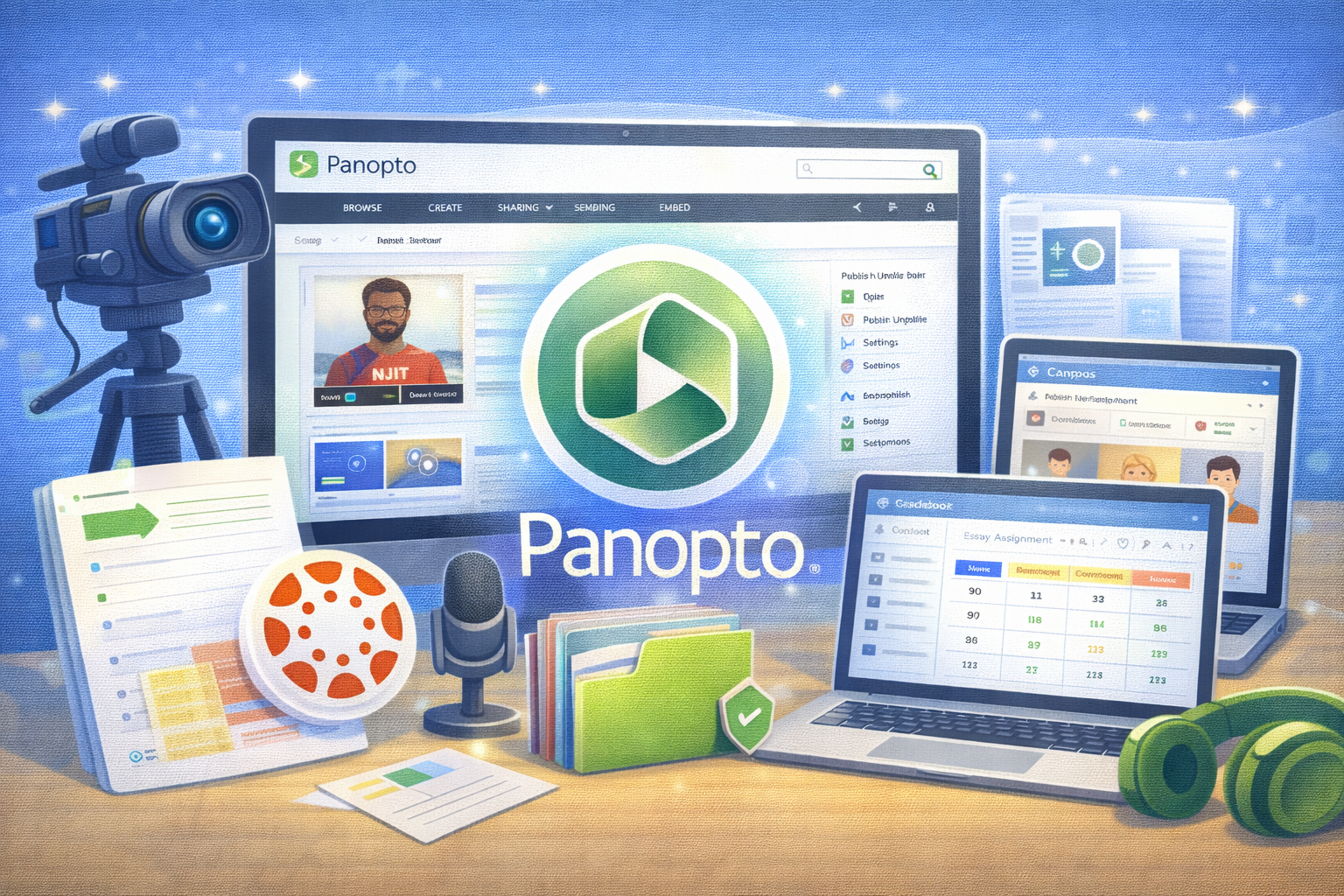
Panopto Fundamentals
This session will introduce the basics to get started with Panopto. Participants will learn how to navigate Panopto's user interface, where to find certain settings, and how to use videos in their Canvas courses.

Atomic Assessments
This session provides an overview of Atomic Assessments and its core features. Participants will learn how to create and manage assessments, explore question types and item banks, configure assignment settings and availability, and review results and analytics. The training will conclude with a live Q&A.

Getting Started with Discussions & AI Coaching in Harmonize
Reimagine online discussions to spark deeper thinking and meaningful interaction. Explore strategies for designing strong prompts, improving participation, and integrating AI Coaching to support responsible AI use.
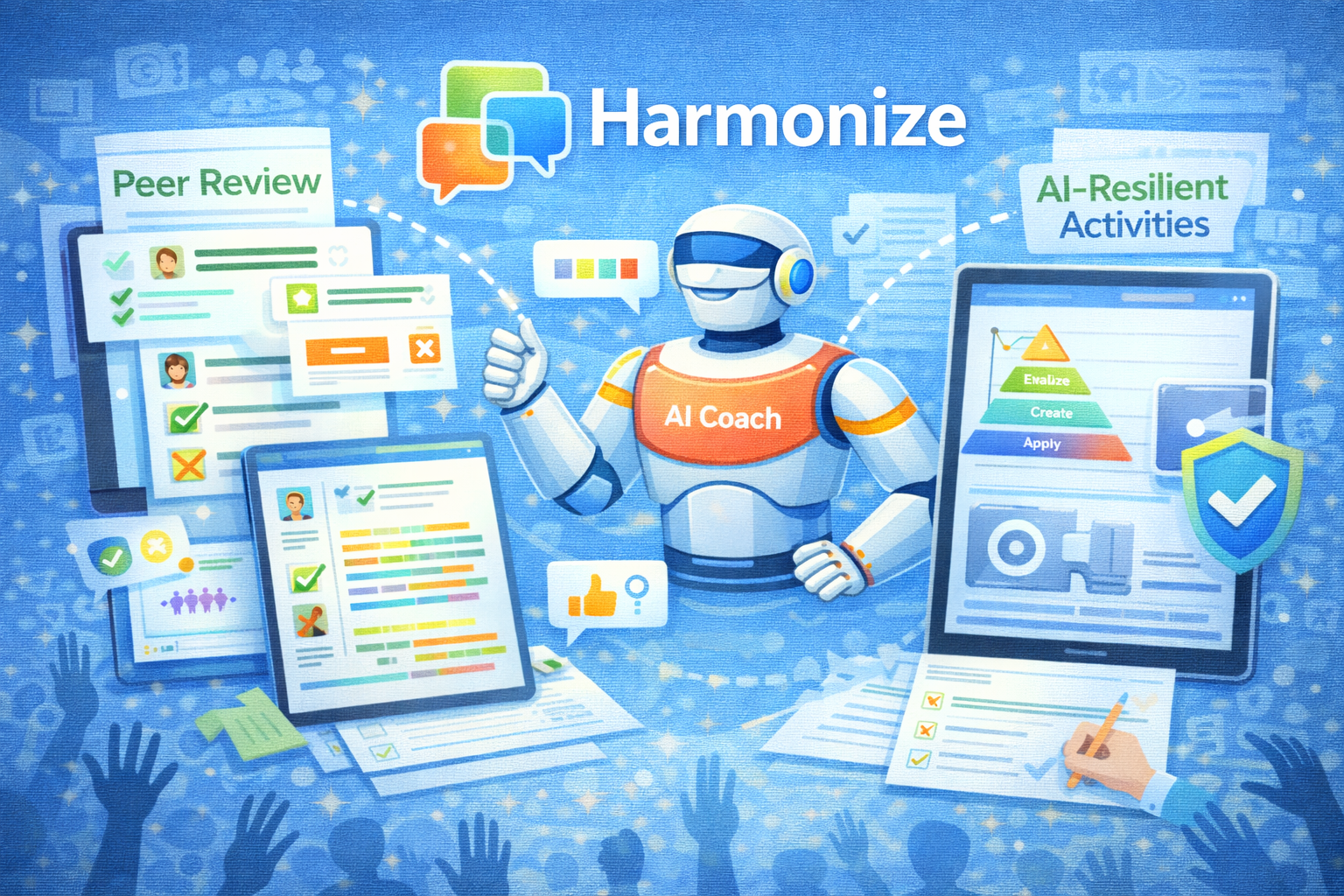
Getting Started with Peer Review & AI Coaching in Harmonize
Turn peer review into a powerful learning experience. Learn how to structure effective feedback workflows and incorporate AI Coaching to help students give thoughtful, constructive feedback.